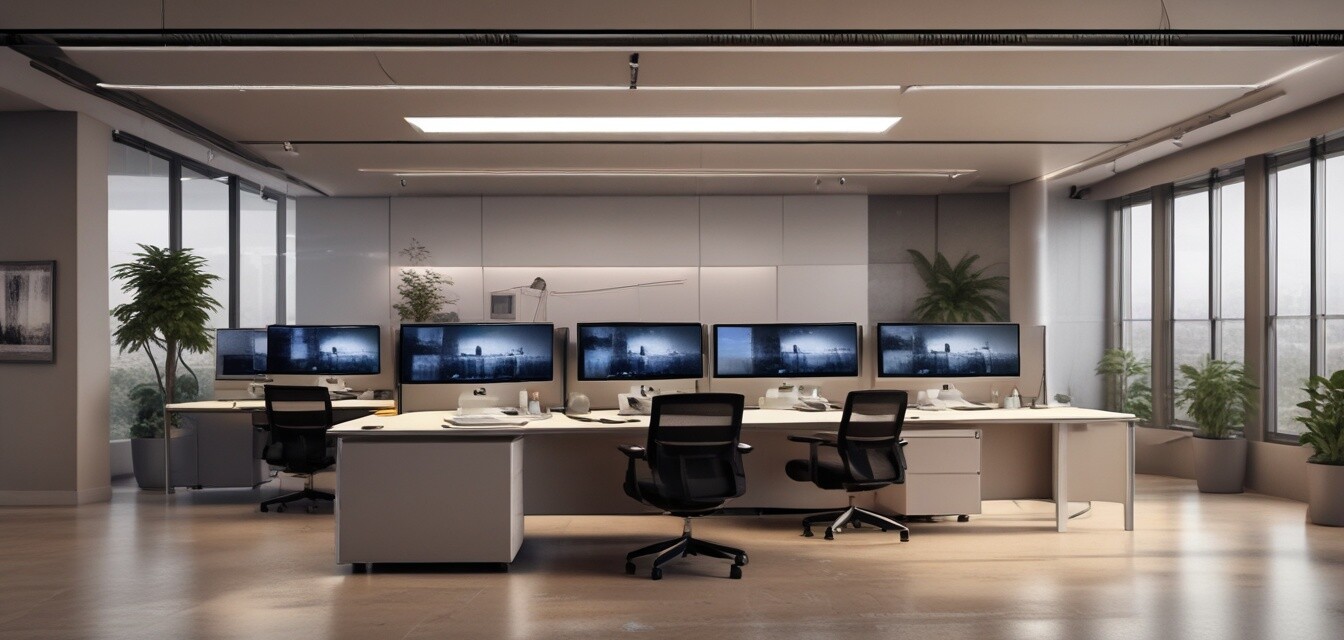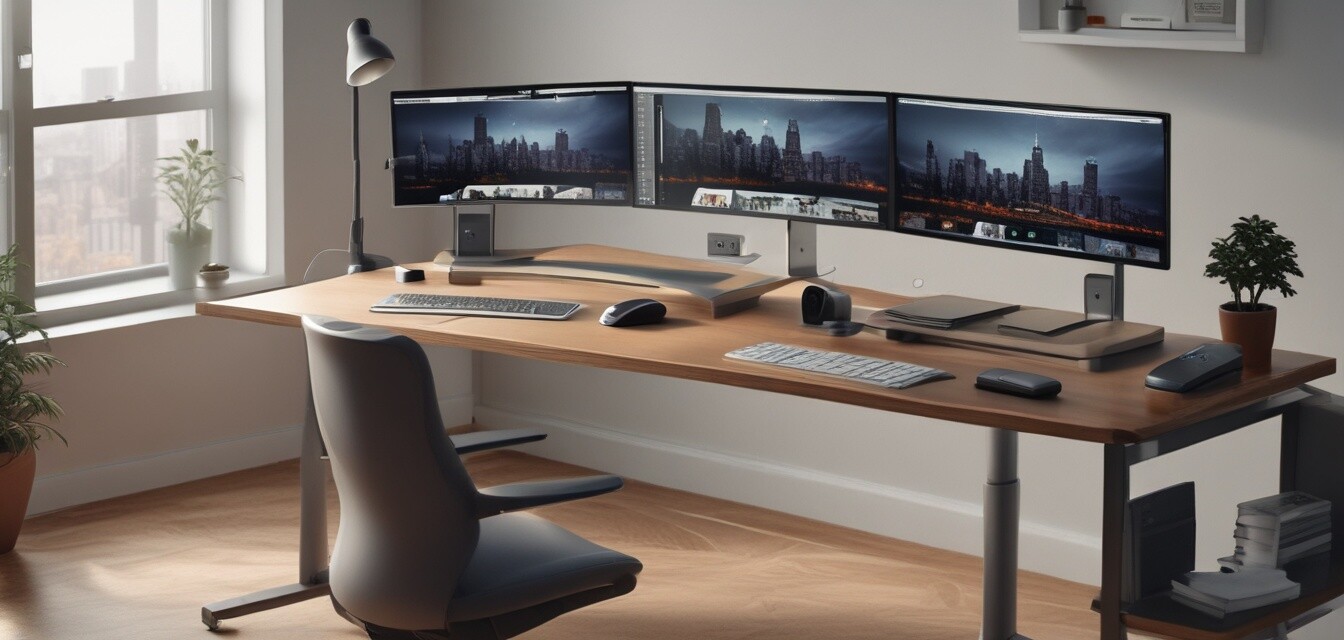
Flexible Workstations
Key Takeaways
- Flexible workstations adapt to diverse work styles and improve productivity.
- Incorporate ergonomic furniture to enhance comfort and reduce strain.
- Smart technology can streamline workflows across collaborative tasks.
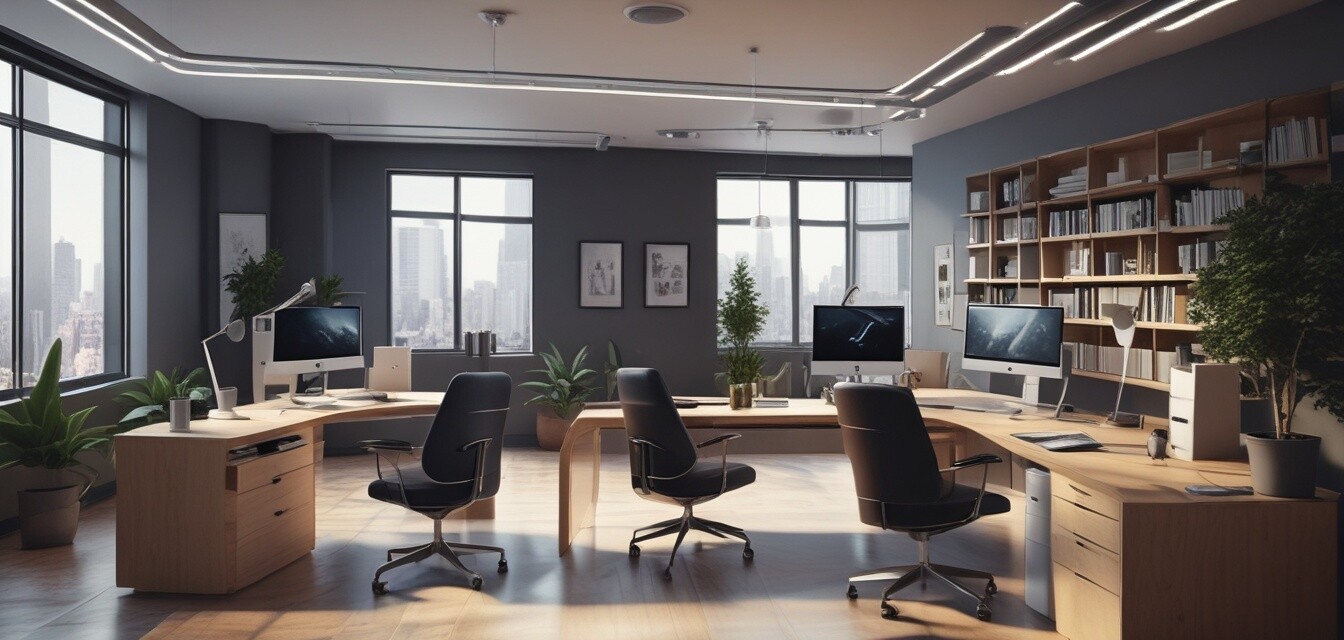
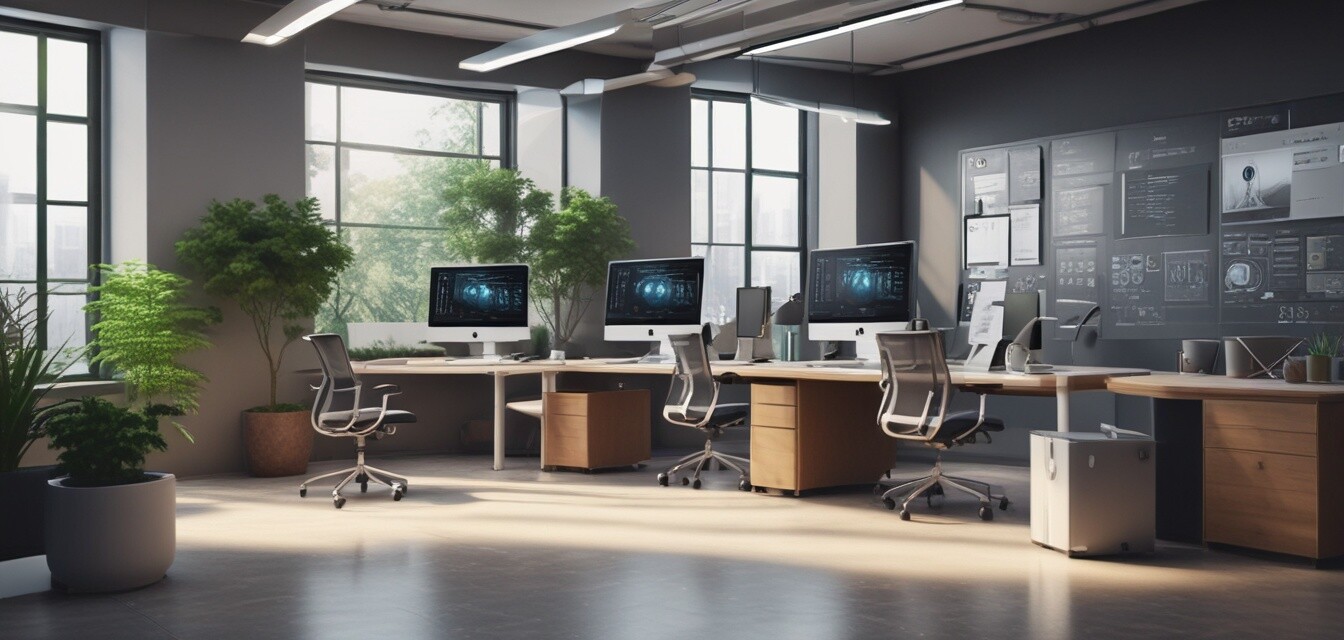
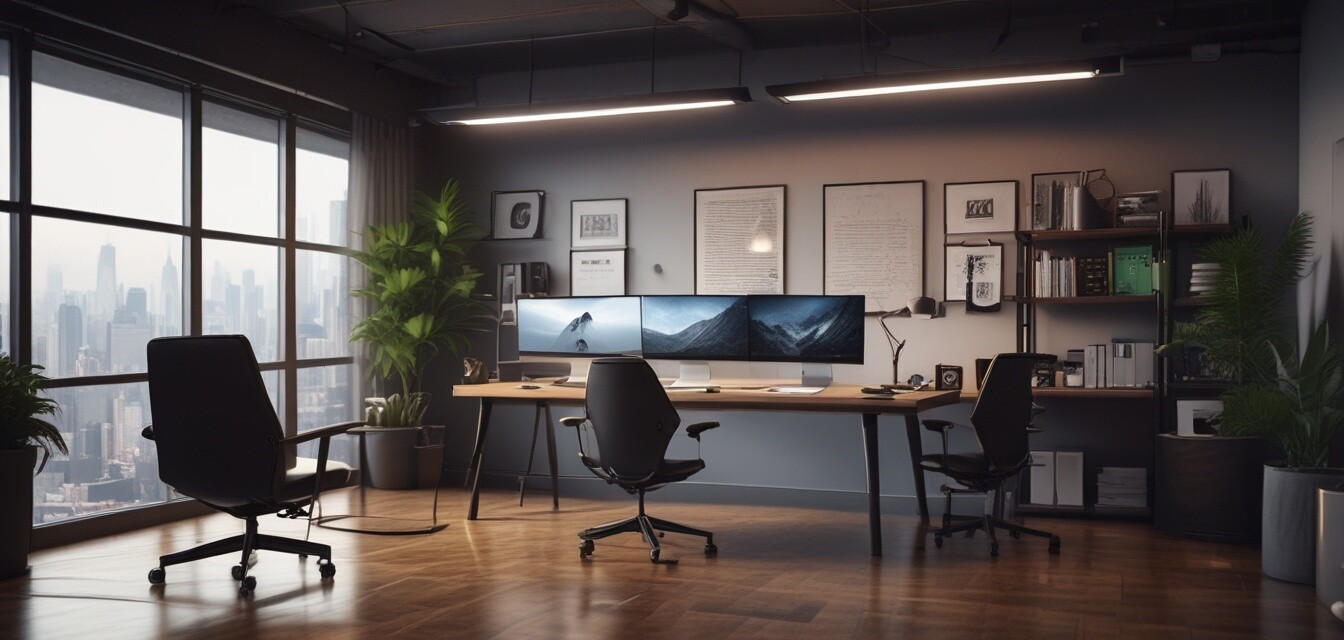
Flexible workstation setups are becoming integral to modern office environments. As businesses adapt to various working styles, these setups improve both productivity and comfort. In this article, we'll explore the crucial elements of flexible workstations, including the benefits, components, and technological advancements that bring efficiency to the workplace.
What is a Flexible Workstation?
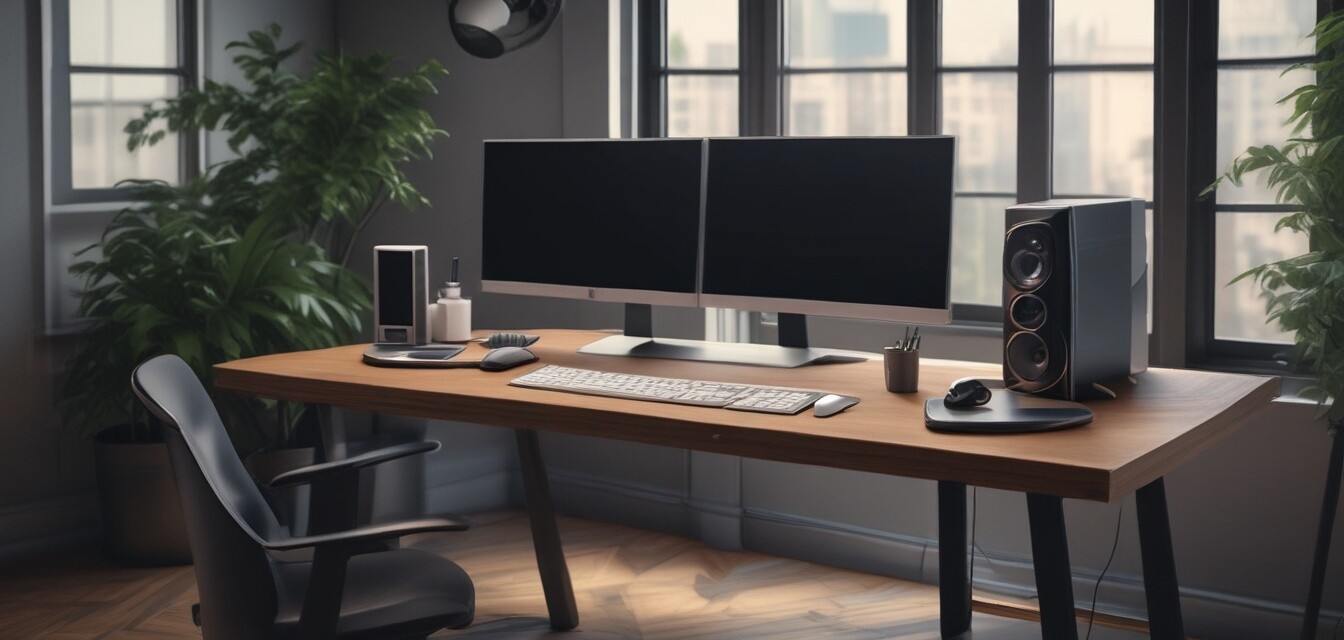
A flexible workstation is designed to accommodate various work styles and preferences. It typically includes adjustable furniture items, collaborative tools, and smart technology to enhance the work experience. Below are essential components of flexible workstations:
| Component | Description |
|---|---|
| Adjustable Desks | Desks that can be raised or lowered to accommodate standing or sitting work styles. |
| Ergonomic Chairs | Seating designed to provide comfort and support for long working hours. |
| Collaboration Tools | Technology or equipment that helps teams engage and communicate better. |
| Smart Lighting | Lighting solutions that adapt to natural light and enhance mood and productivity. |
Benefits of Flexible Workstations
Implementing flexible workstations can bring a variety of advantages to both employees and employers. Here are some of the key benefits:
Pros
- Increased Productivity: Flexibility allows employees to choose what suits them best, resulting in better focus.
- Enhanced Comfort: Ergonomic designs reduce strain and encourage a healthy posture.
- Adaptability: Workstations can be modified for different tasks and team configurations.
Cons
- Higher Initial Investment: Setting up flexible workstations may require more upfront costs.
- Requires Maintenance: Technology components need regular updates and care.
Types of Flexible Workstation Setups
Understanding the different types of flexible workstation setups can assist in choosing the right configuration for your workspace. Here are some popular types:
- Hot Desking: Unassigned desks that employees can use as needed, promoting flexibility.
- Activity-Based Workspaces: Areas designated for specific tasks, encouraging mobility within the office.
- Hybrid Workstation: Combines various elements such as standing desks and collaboration areas.
Incorporating Technology in Flexible Workstations
Modern flexible workstations integrate technology to streamline workflows. Here are some essential technological elements:
| Technology | Benefits | Examples |
|---|---|---|
| Smart Desks | Automatically adjust height and remember user preferences. | Adjustable workstations with memory settings. |
| AI-Powered Productivity Tools | Enhance collaboration and manage time effectively. | Virtual meeting software and task management apps. |
| Wireless Charging Stations | Reduce clutter by enabling cable-free charging. | Integrated charging pads on desks. |
Best Practices for Setting Up Flexible Workstations
Establishing effective flexible workstation setups involves following a few best practices. Here are useful tips:
Tips for Beginners
- Assess the needs of employees before designing the workstation layout.
- Incorporate adjustable furniture to cater to different heights and preferences.
- Implement sound-dampening materials to enhance concentration in collaborative areas.
- Utilize technology that promotes easy connectivity among team members.
Conclusion
Flexible workstations are more than just a trend; they are a pivotal part of modern work culture. By providing adaptability, comfort, and efficiency, these setups can significantly enhance workplace productivity. Invest in creating a space that prioritizes flexibility, enabling teams to thrive within various working styles.
Explore More
If you're looking to enhance your workspace, consider exploring our other categories:
- Advanced Collaboration Tools
- AI-Powered Productivity Tools
- Smart Desks
- Smart Lighting Solutions
- Wireless Charging Solutions